Security Tokens
Multi-factor authentication (MFA) gives you the option of including multiple layers of security to your U-M accounts. Verifying your identity using MFA options (like a mobile device, passwordless, or hardware token) prevents anyone but you from logging in, even if they know your password—protecting the university’s and your information.
The Okta Verify Mobile App is the preferred and recommended MFA option as it provides the easiest and best experience in almost all cases; cellular service is not required.
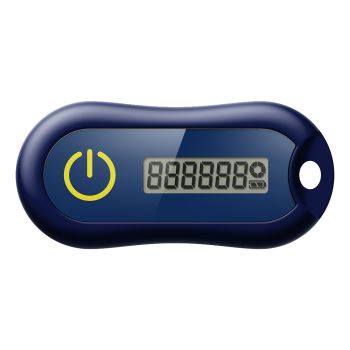
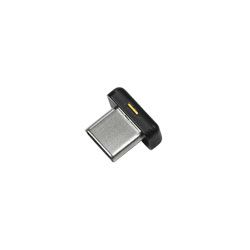
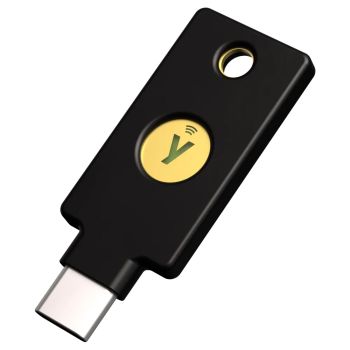
For those who cannot use the Okta Verify Mobile App, hardware token purchases are funded by Information and Technology Services (ITS).* This program provides hardware token options, which are available through Tech Shop. Simply add the Okta hardware token to the cart and checkout; your initial token purchase will be automatically charged to the ITS-funded program.
*Limit one funded hardware token per individual.